
Turn a script into an animated story video with consistent characters.
Built for faceless creators who want scene-level control, animated clips, editable prompts, and AI that collaborates — not replaces.
Your AI video studio. Every scene under your control.
Character consistency, scene animation, manual control, editable prompts, and AI-assisted breakdowns — all shown in motion.


Built for creators who want to stay in control.
Most AI video tools hide the process. VidBolt shows you every decision and lets you change it.
Nothing hidden
Every scene prompt, image, and narration segment is visible and editable. You see exactly what goes into your video.
Scene-level control
Add, remove, reorder, or rewrite scenes individually. Your video structure is never locked behind a black box.
AI suggests, you decide
AI generates script breakdowns and visual prompts as a starting point. You review and refine before anything renders.
Consistent characters
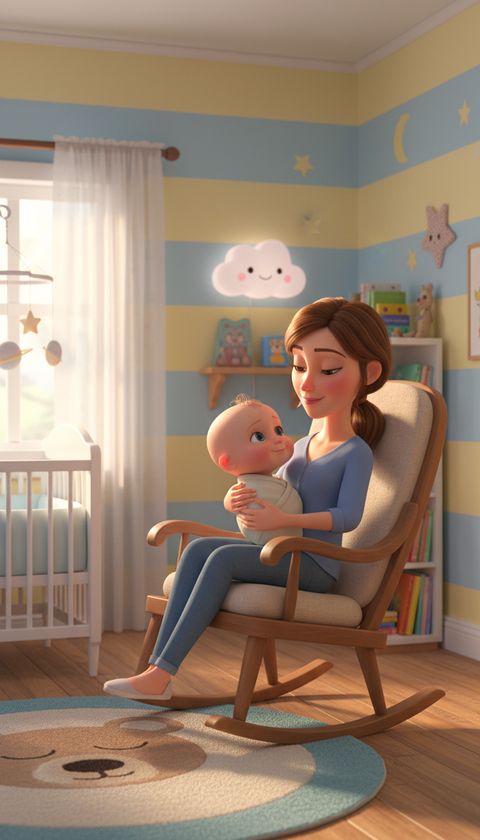
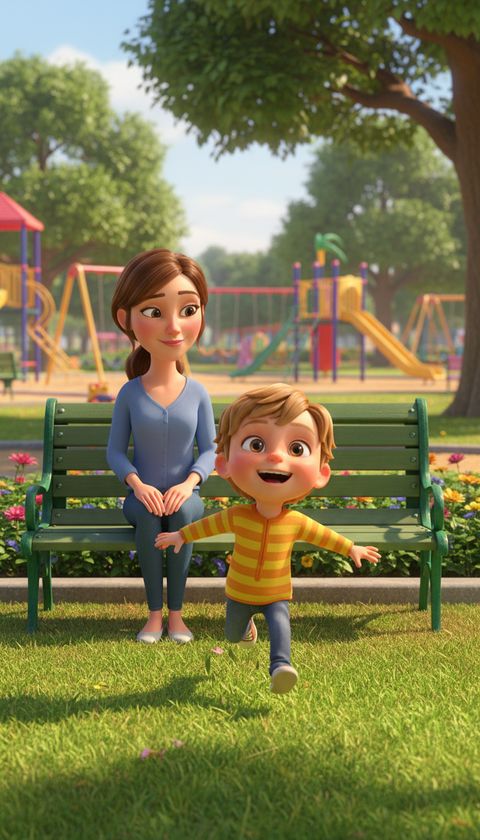
Your main characters stay recognizable across every scene. No random faces or shifting identities between shots.
Animate selectively
Choose which scenes to animate and which to leave as stills. Write a motion prompt, or let AI draft one for you.
Multi-model choice
Pick from budget to premium video models per scene. Control quality and cost at the scene level, not the project level.
No black box. Every decision is yours.
See how VidBolt compares to tools that hide the creation process.
From script to video in four steps.
A guided workflow that keeps you involved at every stage.
Start with a script
Paste your own script or let AI generate one from a prompt. Your story drives the video.
Break into scenes
AI suggests scene boundaries, or you create them manually by selecting text. Full structural control.
Review & refine
Edit visual prompts, animate scenes with motion prompts, regenerate images, and adjust timing.
Render when ready
Once you approve the scenes, VidBolt assembles animated clips, stills, and narration into a polished video.
Simple, transparent pricing
Choose the perfect plan for your needs.
Free
Try VidBolt with no commitment
- 75 one-time credits
- 2 videos
- All AI features
- Community support
Starter
Perfect for individuals and small projects
- 1,000 credits/month
- ~16 videos/month
- All AI features
- Email support
Pro
For creators and growing channels
- 2,500 credits/month
- ~40 videos/month
- All AI features
- Priority support
Ultra
For agencies and heavy creators
- 4,000 credits/month
- ~64 videos/month
- All AI features
- Dedicated support
Need a custom plan?
Contact our sales team for enterprise solutions, custom integrations, and volume pricing.
Frequently Asked Questions
Everything you need to know about consistent AI video creation with VidBolt.
How does VidBolt maintain character consistency across scenes?
VidBolt generates and locks a dedicated character visual reference sheet during the initial breakdown. This reference profile is passed through every scene prompt to preserve the character's facial features, hair, clothing, and distinct traits without drift or random face shifts between shots.
Can I edit the AI-generated visual prompts and script?
Yes. Unlike black-box one-click tools that hide the creation process, VidBolt makes every prompt, script line, narration segment, and camera motion prompt completely visible and editable. You can modify prompts, regenerate individual scenes, or write scenes manually from scratch.
Can I choose which scenes to animate into motion?
Yes. VidBolt lets you selectively animate high-impact scenes into motion video clips using top video models, while leaving other scenes as stills, giving you full control over video pacing, render time, and credit costs.
What video aspect ratios and formats are supported?
VidBolt supports vertical 9:16 (optimized for YouTube Shorts, TikTok, and Instagram Reels) and widescreen 16:9 (standard YouTube and cinematic storytelling videos). Videos are exported in high-definition MP4 format with synchronized audio.
Is VidBolt free to try?
Yes. VidBolt provides a Free tier with 75 one-time credits to create your first videos and explore all AI features with no credit card required.